
How to compress a video on Android
- Install Video Compressor from Google Play and open it.
- Tap Video and pick clips with the Android photo picker or from Files — the app sees only what you choose.
- Choose a preset — WhatsApp share, Email 25 MB, Discord 10 MB — or type an exact size. The predicted size shows before you start.
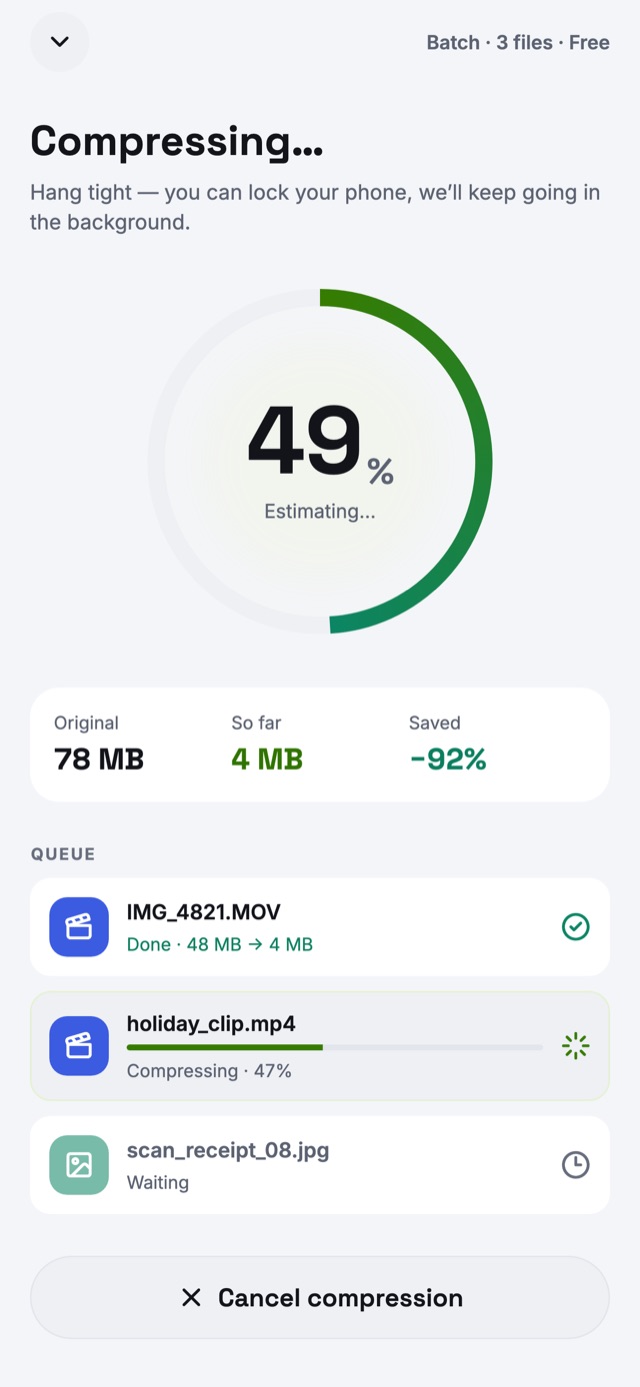
- Tap Compress now. You can lock the phone: a notification shows progress while the batch runs.
- Tap Save to Gallery, or Share the smaller video to WhatsApp, Gmail, Telegram or Discord.
Compress from your gallery, Google Photos or WhatsApp
In Google Photos, Samsung Gallery, Files or WhatsApp, select videos or photos, tap Share and choose the compressor. They arrive in the app ready to compress — no need to hunt for them again.
Batch compress in the background
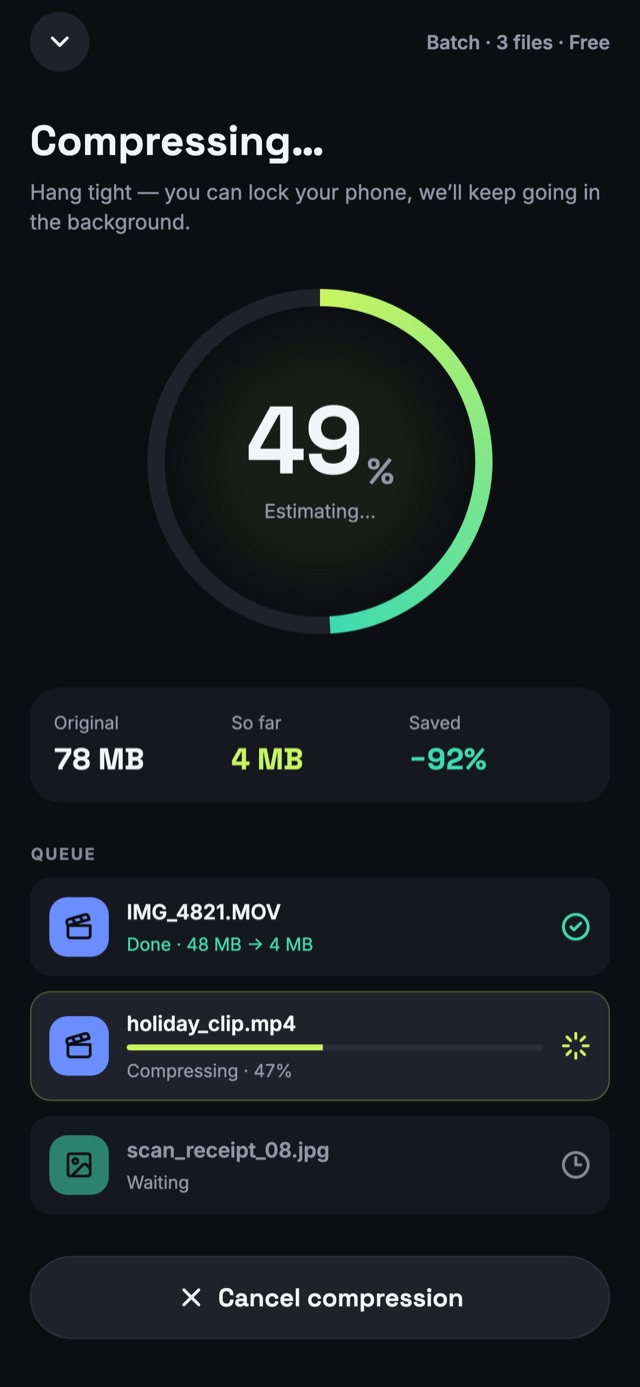
Queue a whole batch of videos, photos and audio and go do something else. The batch runs as a foreground service with a progress notification, pauses itself when your battery runs low, and picks up where it left off if Android closes the app. Allow notifications so you can see how far it has got.
Free up storage on your Android phone
Phone videos are often the biggest files on the device. Compressing 4K clips to 1080p often makes them 80–90% smaller with no visible difference on a phone screen. The app keeps your originals untouched, so check the results, then delete the originals from your gallery to reclaim the space. History shows how much you've saved.
MP4, MKV, WebM, GIF — and HEIC to JPG
Convert while you compress: MP4, MOV, MKV, WebM, AVI, 3GP and more, video to GIF, or video to MP3. Photos convert between HEIC, JPG, PNG, WebP and AVIF, with animations kept as GIF, animated WebP or APNG. Audio converts between MP3, AAC, FLAC, WAV, OGG and Opus.
Hardware encoding and HDR
Video Compressor uses your phone's hardware video encoder for speed, and its own encoders for formats the phone lacks. HDR video stays HDR in MP4, M4V and MOV on phones with a 10-bit HEVC encoder, and is tone-mapped to look right on others.
Private on Android
No upload, no account, and no storage permission on Android 11 and later — the system picker hands over only the files you choose. The free version shows ads from Google AdMob; you can reset or delete your advertising ID in Android settings. Read the privacy policy.
Android questions
How do I reduce video size on Android?
Open Video Compressor, tap Video and pick the clip. Choose a preset such as WhatsApp share or Email 25 MB, or enter the size you need, then tap Compress now and save the result to your gallery.
How do I compress a video for WhatsApp on Android?
Pick the WhatsApp share preset, or share the video from WhatsApp or your gallery straight into the app. It is resized and re-encoded to send quickly and play inline in chats.
Does compression keep running if I leave the app?
Yes. On Android a batch keeps running in the background with a progress notification, so you can lock the phone or use other apps. Allow notifications to see its progress.
Which Android version do I need?
Android 8.0 (Oreo) or later, on phones and tablets — including Samsung Galaxy, Google Pixel, Xiaomi, OnePlus, Motorola and other Android devices.
Will compressing videos free up storage?
The app saves a smaller copy and never deletes your originals by itself. Once you have checked the compressed videos, delete the originals in your gallery to reclaim the space; History shows how much you saved.
Can I convert HEIC photos to JPG on Android?
Yes. Choose HEIC photos — for example from a Samsung phone set to save HEIF — and convert them to JPG, PNG or WebP as you compress.