Compress video for WhatsApp
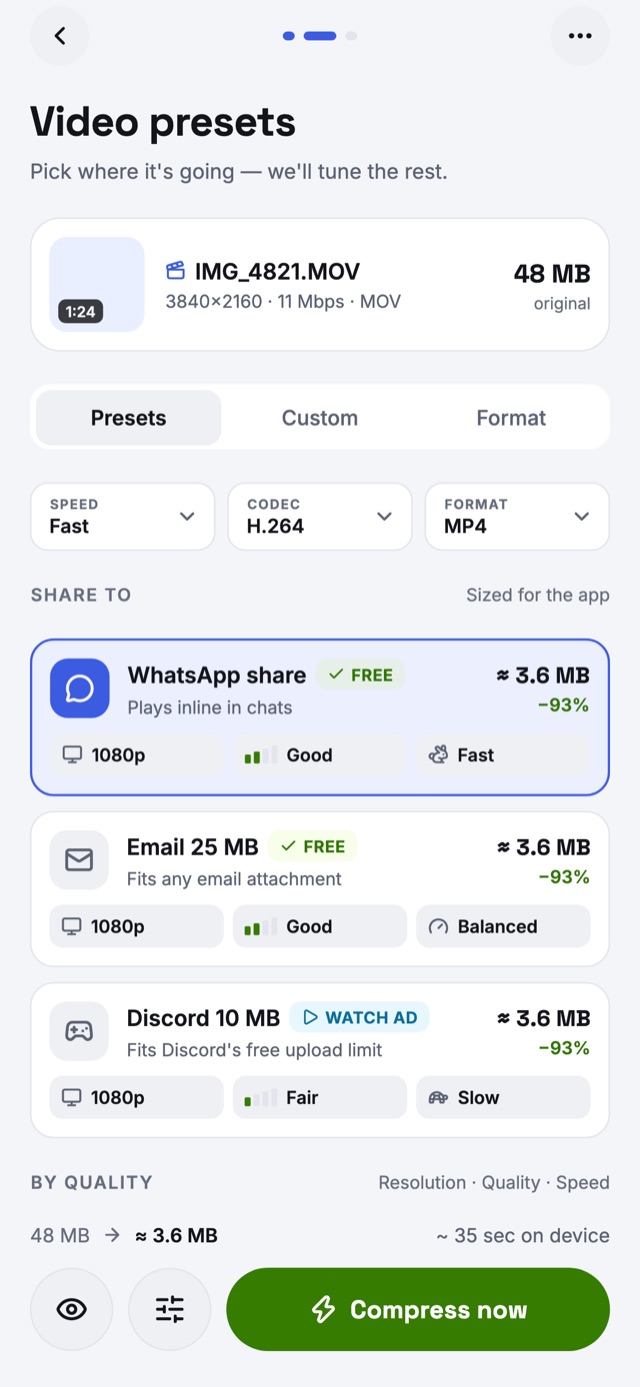
The WhatsApp preset makes clips small enough to send fast and play inline in chats — a 48 MB 4K clip comes out around 3.6 MB.
Reduce video size for WhatsApp, email, Discord and Instagram in three taps. Shrink MP4, MOV, MP3, JPG and HEIC files on your iPhone or Android phone — free, with no upload and no account.


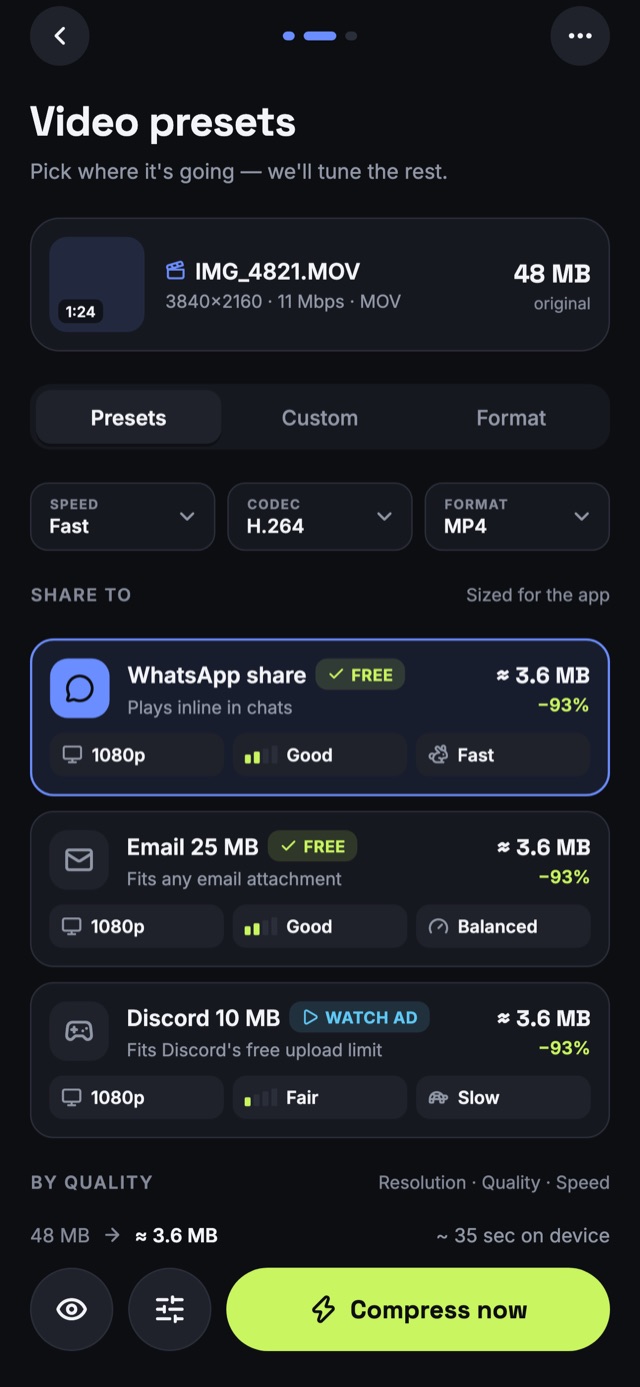
Light & dark themes
No settings to learn. Tell the app where the video is going and it works out the size, resolution and bitrate for you.
Choose files from your gallery or Files, record a clip, or share them in from WhatsApp, Photos or any other app.
Tap a preset — WhatsApp, Email 25 MB, Discord 10 MB, Instagram — or type an exact size. You see the new file size before you compress.
Compare before and after, then save to your gallery or share it on. The original video is never changed.
Every preset is sized for where the file is going, so it sends the first time.
The WhatsApp preset makes clips small enough to send fast and play inline in chats — a 48 MB 4K clip comes out around 3.6 MB.
Email 25 MB fits common attachment limits like Gmail's, so you can attach a video instead of sending a link.
Share clips and gameplay on Discord without Nitro: the Discord preset lands under the free upload limit.
Shrink photos to Instagram's 1350 px size as a sharp, light JPEG — often around 90% smaller than the camera original.
Web optimized and WebP presets cut page weight for websites, blogs and online stores without visible loss.
Voice note, Podcast and Music presets compress audio to the bitrate it needs — a voice memo can be 80% smaller.
Reduce video size in H.264, HEVC (H.265) or VP9, up to 4K. Trim, mute, make a GIF, or extract the audio. HDR stays HDR where the format allows.
Compress and resize photos in batches, or convert HEIC to JPG or WebP. Keep EXIF, strip the location, or strip it all.
Compress MP3s, voice memos and podcasts. Set a bitrate or a size, convert to mono, trim — title, artist and artwork carried across.
Presets pick the resolution, codec and bitrate that look right for the destination. Need it under 25 MB? Type the size and the video compressor hits it — or tells you before you start that it can't.
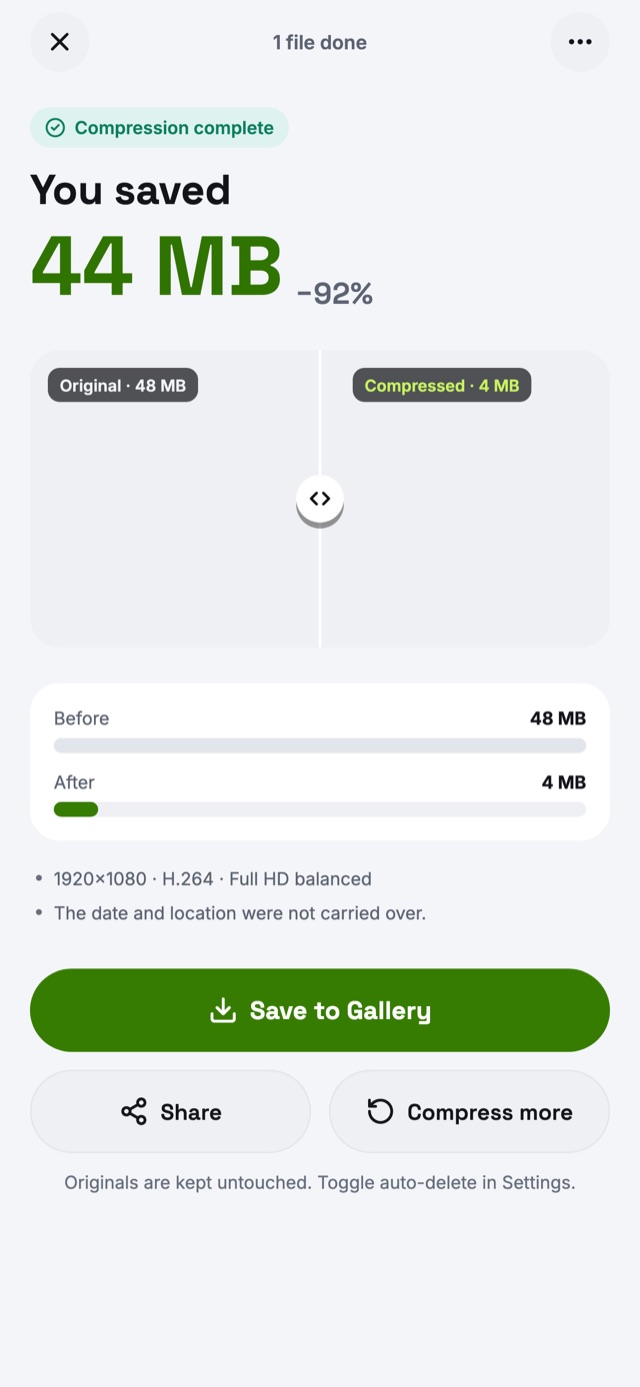
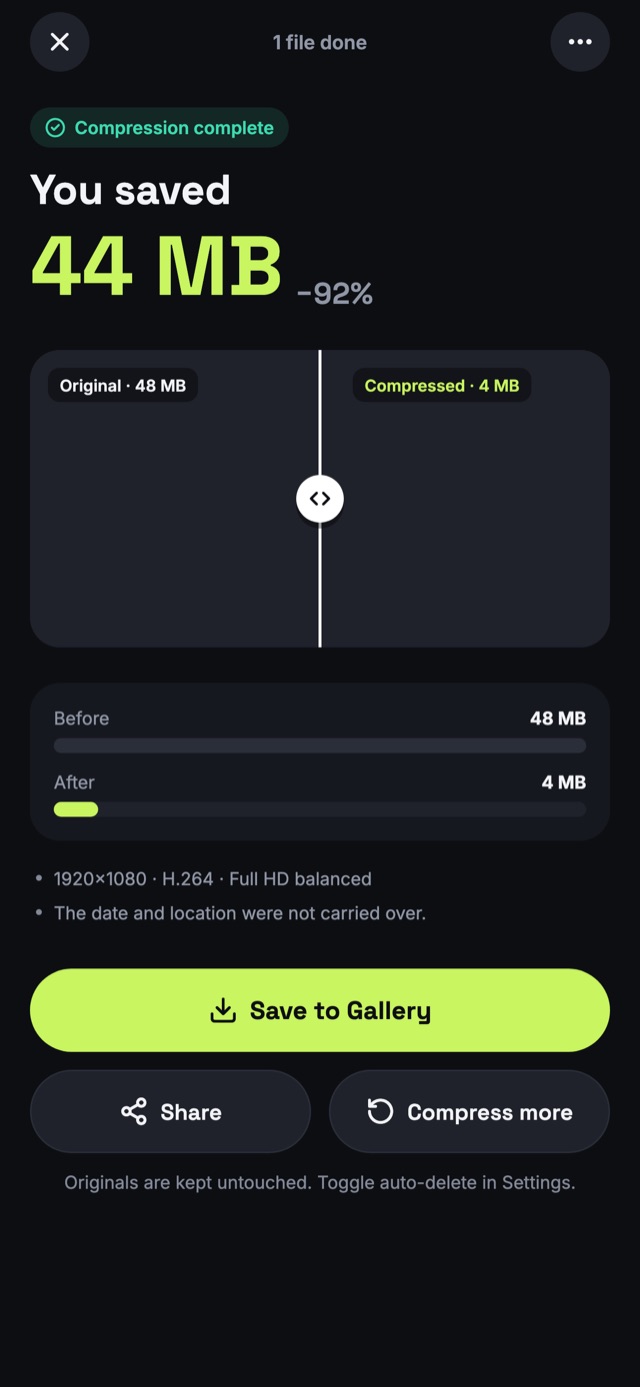
Slide between the original and the compressed video, check the new file size, then save it to your gallery or share it. If a file would come out bigger than it went in, the app keeps your original and tells you.
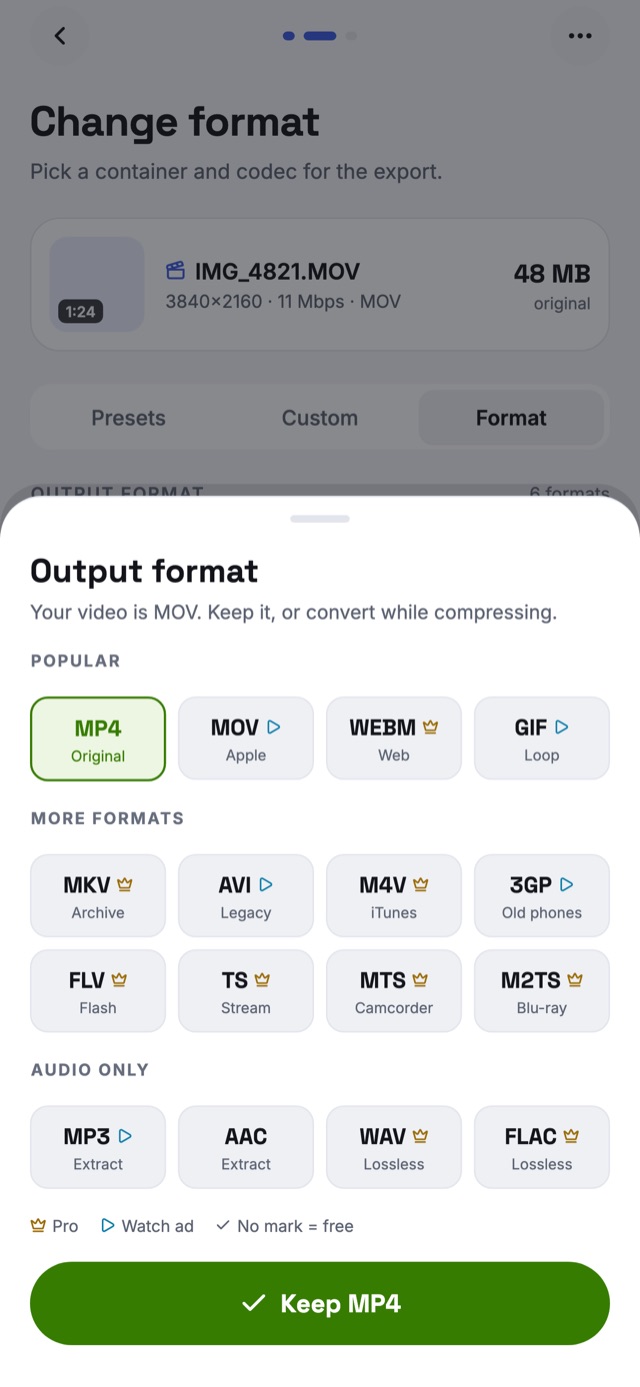
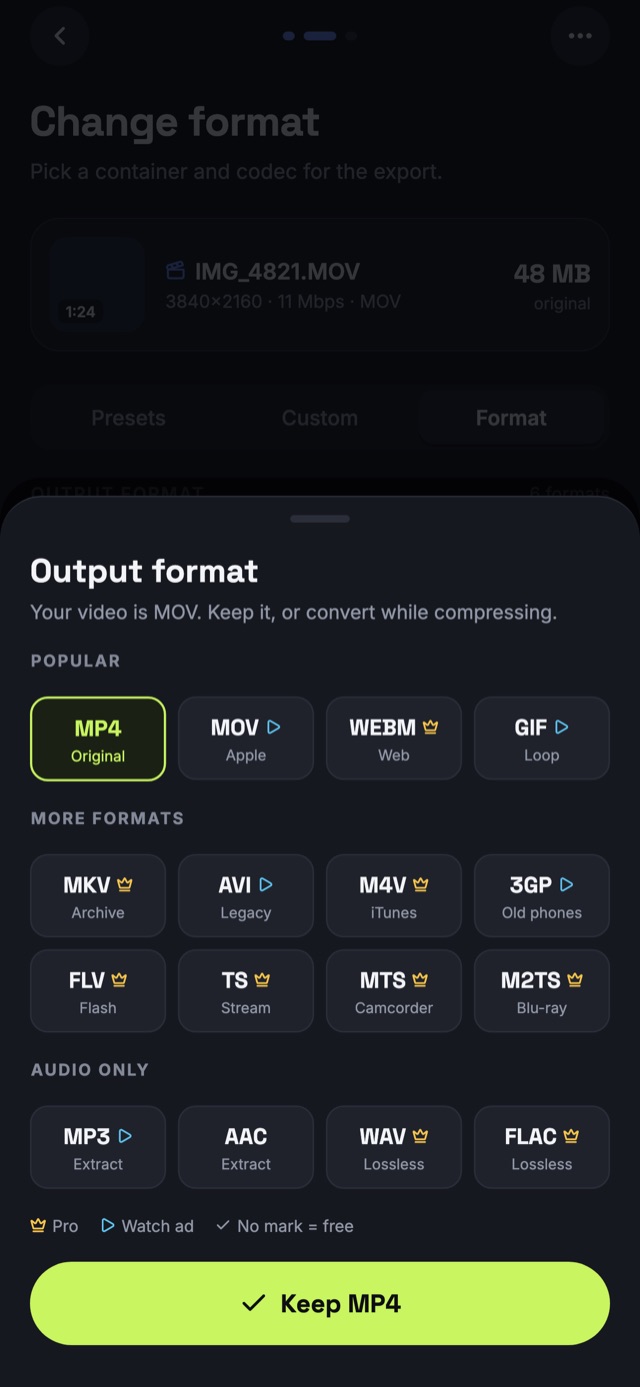
Compress and convert in one step. Turn iPhone MOV files into MP4 that plays everywhere, make a looping GIF, or keep just the sound as MP3, AAC, WAV or FLAC.
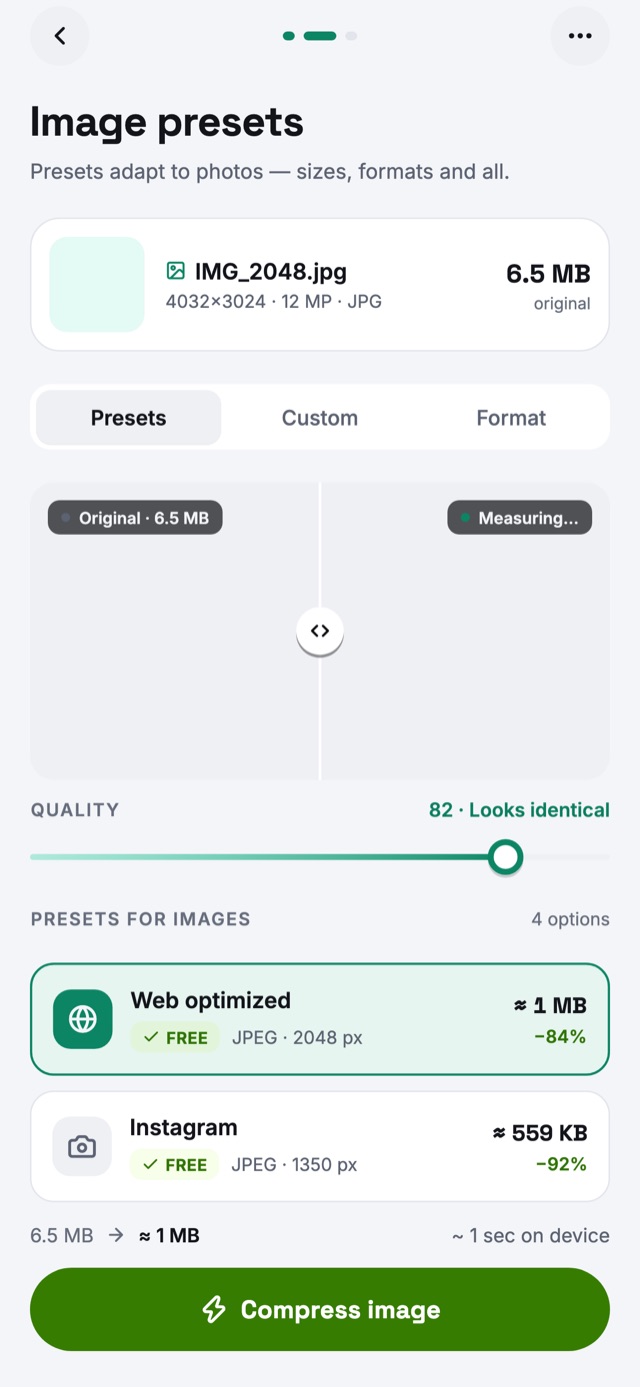
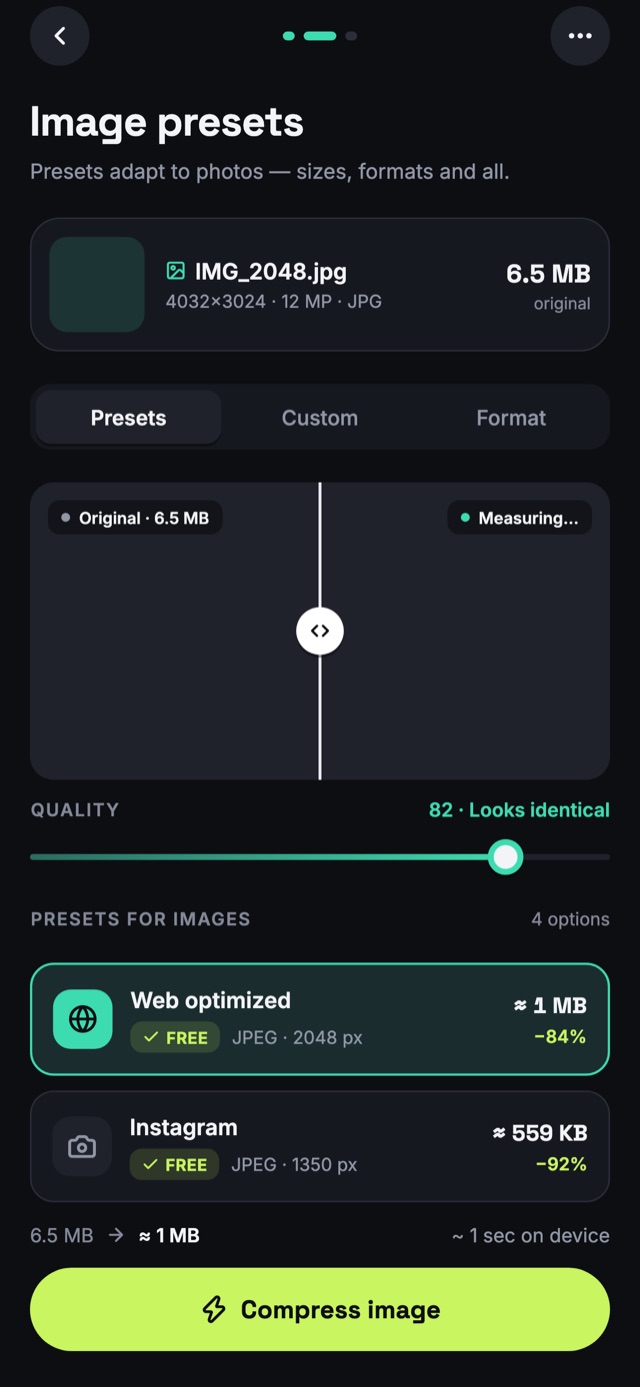
Reduce image size for Instagram, the web or email. Convert iPhone HEIC photos to JPG, PNG or WebP, with a quality slider that tells you when the result still looks identical.
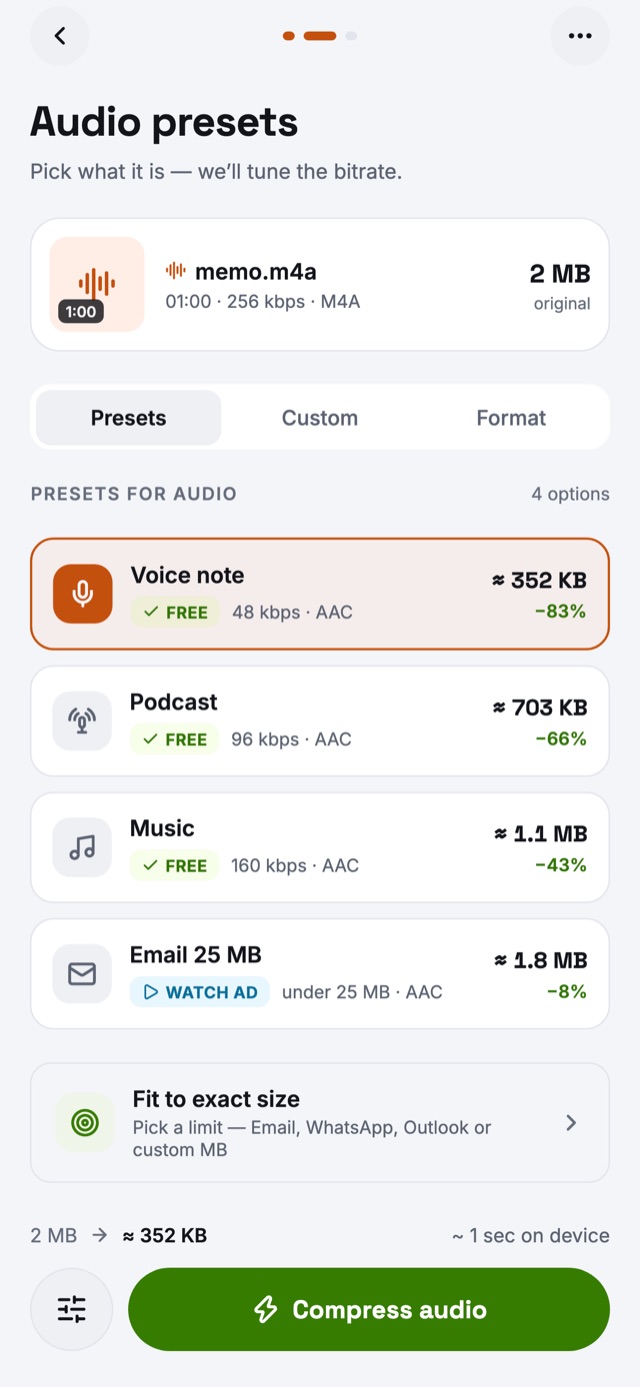
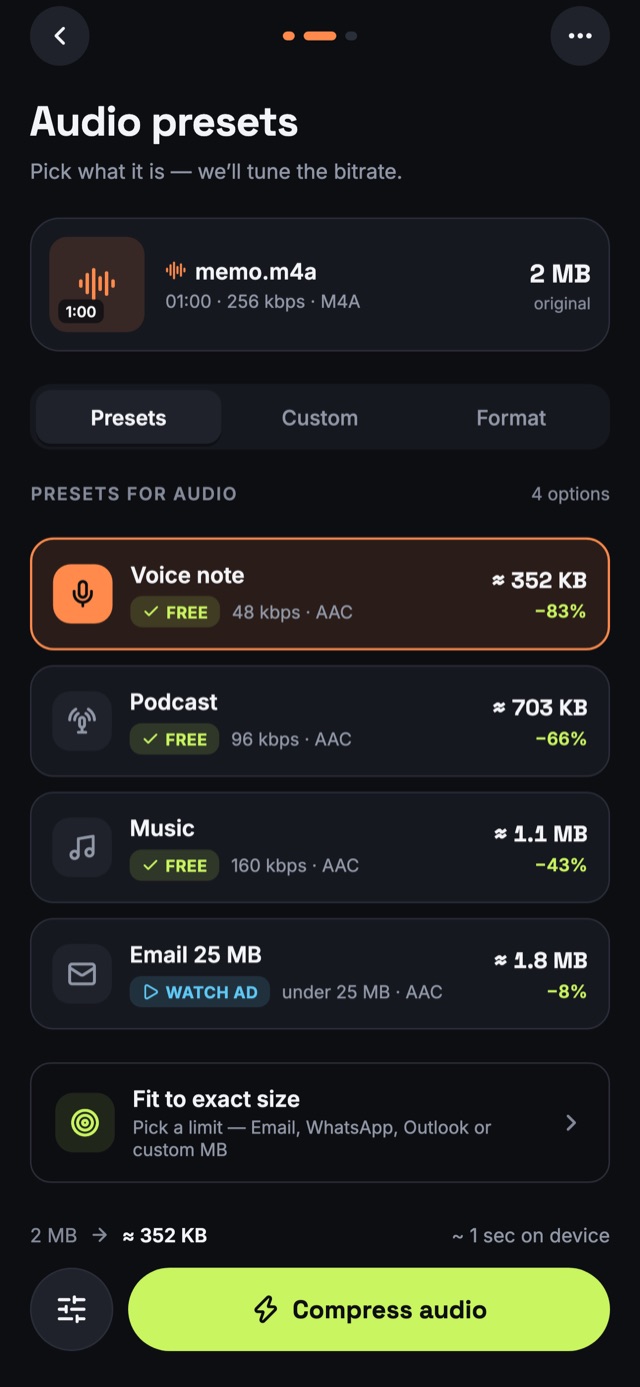
Make audio files smaller for messaging and email. Presets for voice notes, podcasts and music choose the bitrate; fit-to-size handles hard limits.
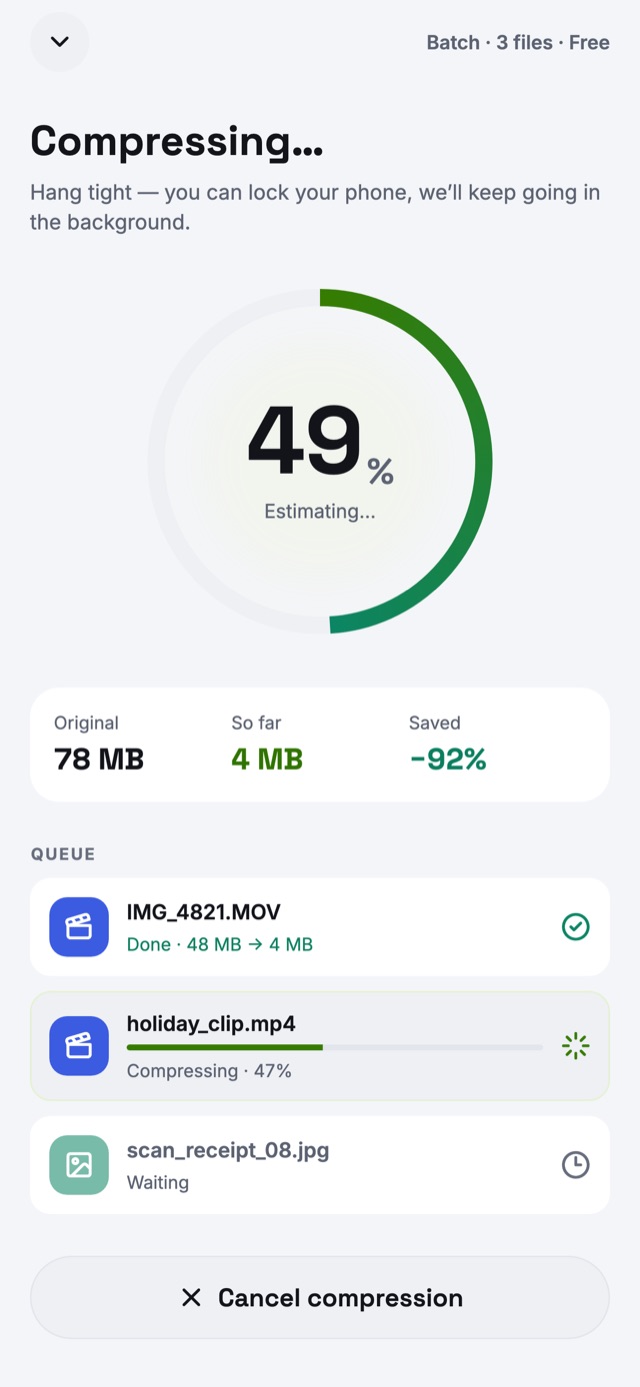
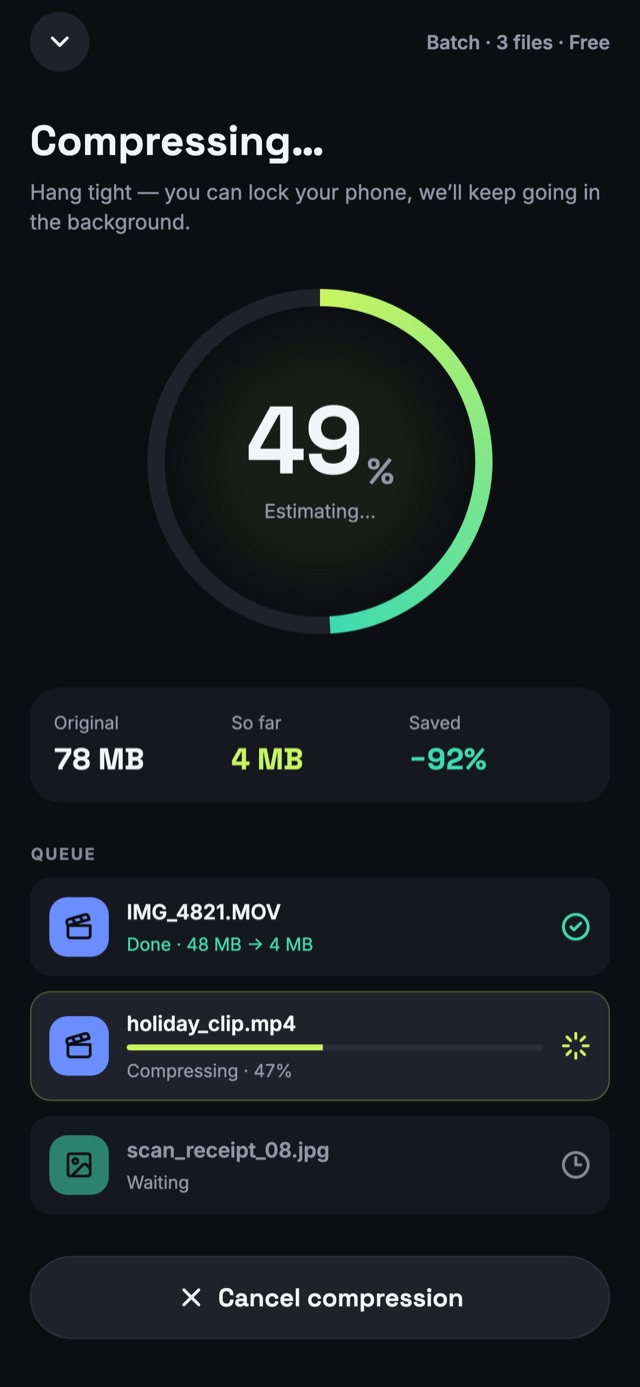
Queue a whole batch of videos, photos and audio and watch the space you save add up. On Android the batch keeps going in the background while you use other apps.
Online video compressors upload your files to a server first. This app has no server to upload to.
Compression runs on your phone's own processor. Your videos never leave it.
No sign-up, no email, no login. Open it and compress.
The system picker hands over only the files you choose.
No internet needed to compress — on a plane, abroad, anywhere.
The free version shows ads served by Google AdMob. Read how ads use data.
Download and compress for free. Upgrade only when you need more.
Ad-supported
Weekly, monthly, yearly or a one-time lifetime unlock
Prices are shown in the app in your local currency before you buy. Subscriptions renew automatically unless cancelled at least 24 hours before the end of the current period, and can be managed in your App Store or Google Play account settings. See the Terms of Use.
Open Video Compressor, tap Video and pick a clip. Choose a preset such as WhatsApp share or Email 25 MB, or type the size you need, then tap Compress now. Save the smaller video to your gallery or share it straight on.
Use HEVC (H.265) instead of H.264: it can make files up to 50% smaller at the same visible quality. Keep the resolution your viewers need — 1080p for phones — and pick a quality-first preset. The app shows the predicted size before you start, and lets you compare before and after.
Pick the WhatsApp share or Email 25 MB preset. For any other limit, enter it as a target size and the app lowers resolution and bitrate to fit, or tells you before you start if a clip can't reach it.
No. Every video, photo and audio file is compressed on your phone. There is no server and no account, so the app works offline, even in airplane mode.
Yes. The app is free to download and use, with ads. Pro removes the ads and the file-size and batch limits and unlocks every preset and format; it's available weekly, monthly, yearly or as a one-time lifetime purchase.
Yes. It compresses and converts photos (HEIC, JPG, PNG, WebP, AVIF, RAW) and audio (MP3, AAC, M4A, WAV, FLAC, Opus), with presets for Instagram, the web, voice notes, podcasts and music.
MP4, MOV, MKV, WebM, AVI, M4V, 3GP, FLV, TS, MTS and M2TS, encoded as H.264, HEVC or VP9 up to 4K. You can also turn a clip into a GIF, or extract its sound as MP3, AAC, WAV or FLAC.
MP4 with HEVC (H.265) gives the smallest files at good quality and plays on modern iPhones and Android phones. Choose MP4 with H.264 when the video must play everywhere, including older computers and some websites.
More answers on the support page.
Video Compressor Audio & Photo is free on iPhone, iPad and Android.